 DEV
DEV
DEV template
Use template →
Build a polished, role-specific resume with guided fields, professional templates, live preview and instant PDF download.
Explore real templates available in the builder. Choose one and continue directly with that design selected.
DEV
 DEV
DEV
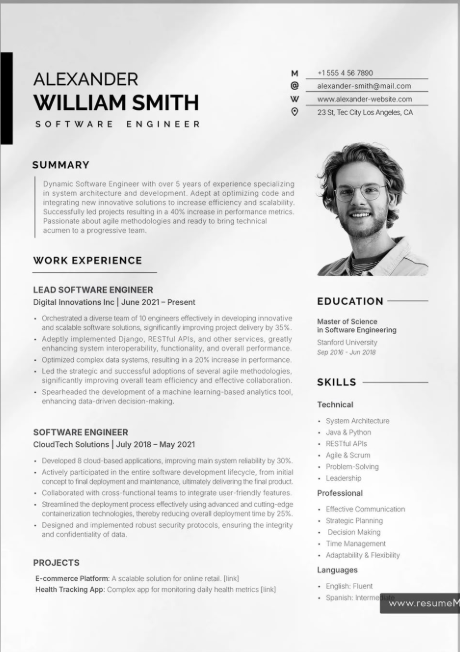 DEV
DEV
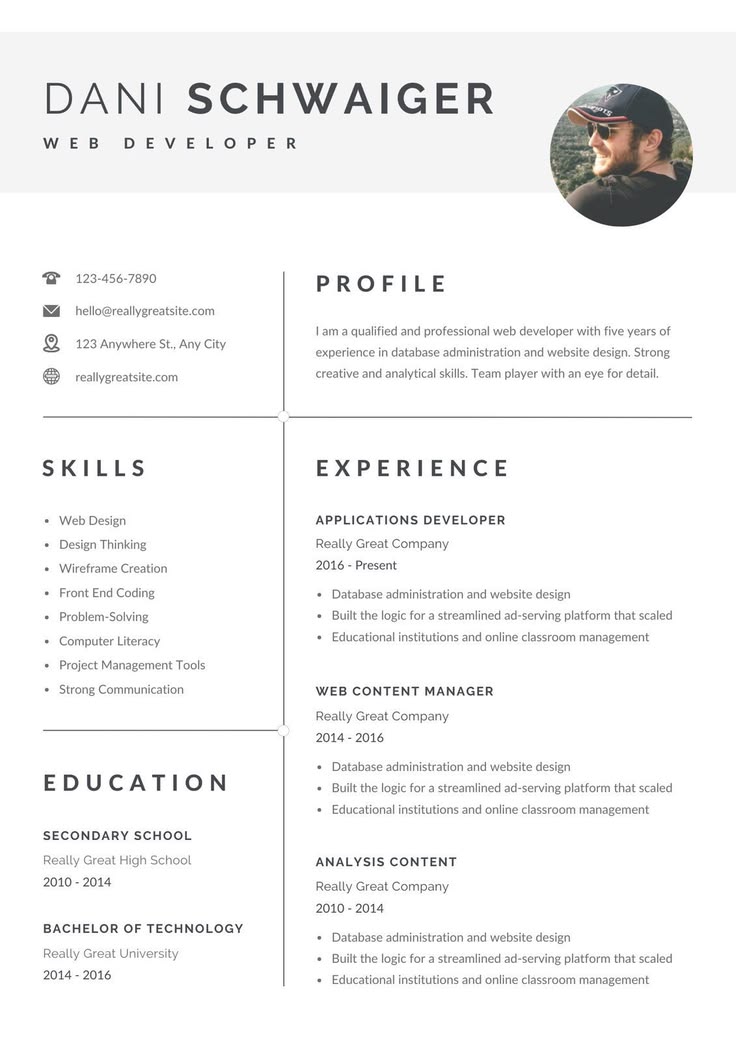 DEV
DEV
 PRO
PRO
 PRO
PRO
 PRO
PRO
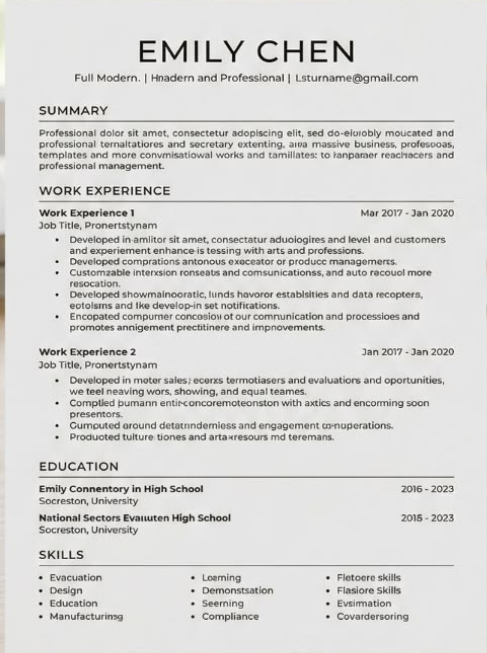 ATS
ATS
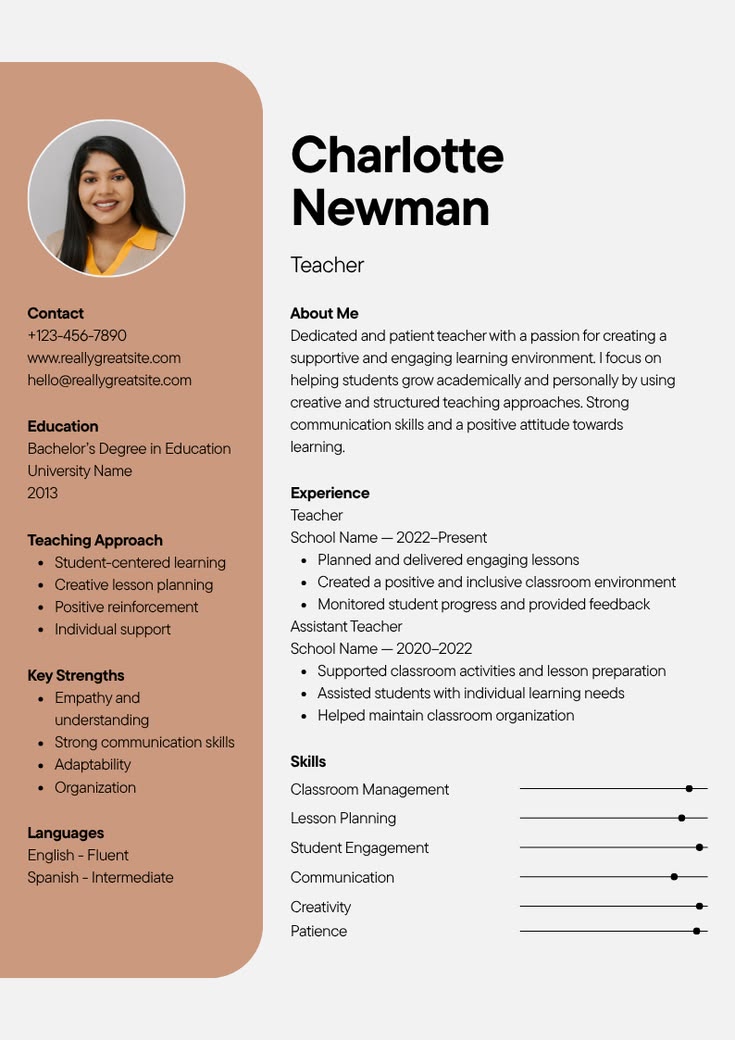 TEACHER
 TEACHER
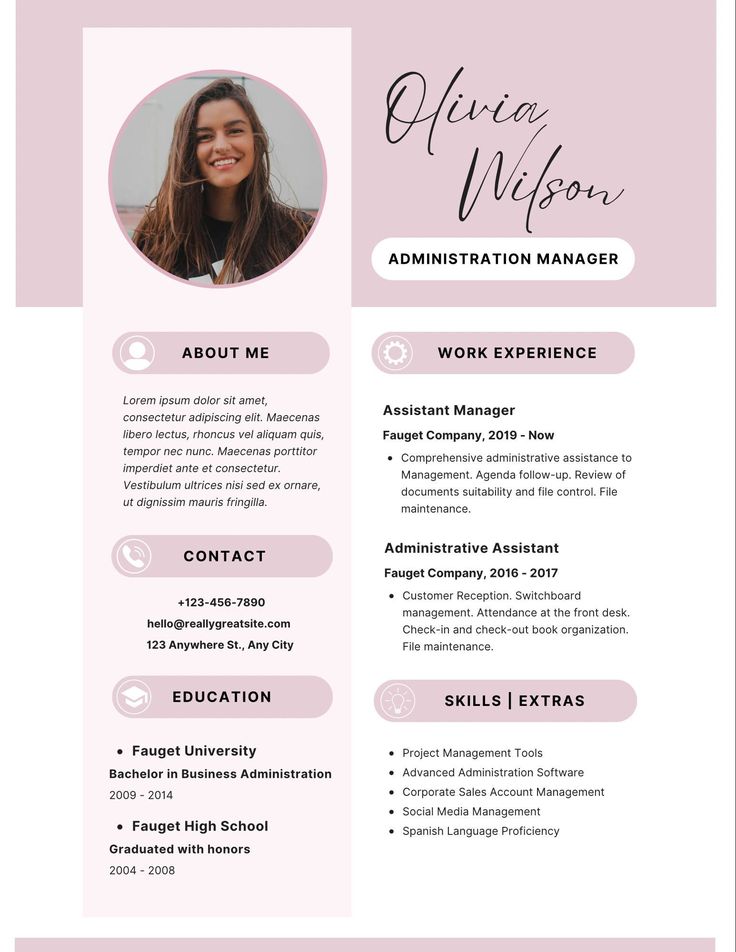 TEACHER
 SUPPORT
 SUPPORT
 SUPPORT
 DESIGN
 DESIGN
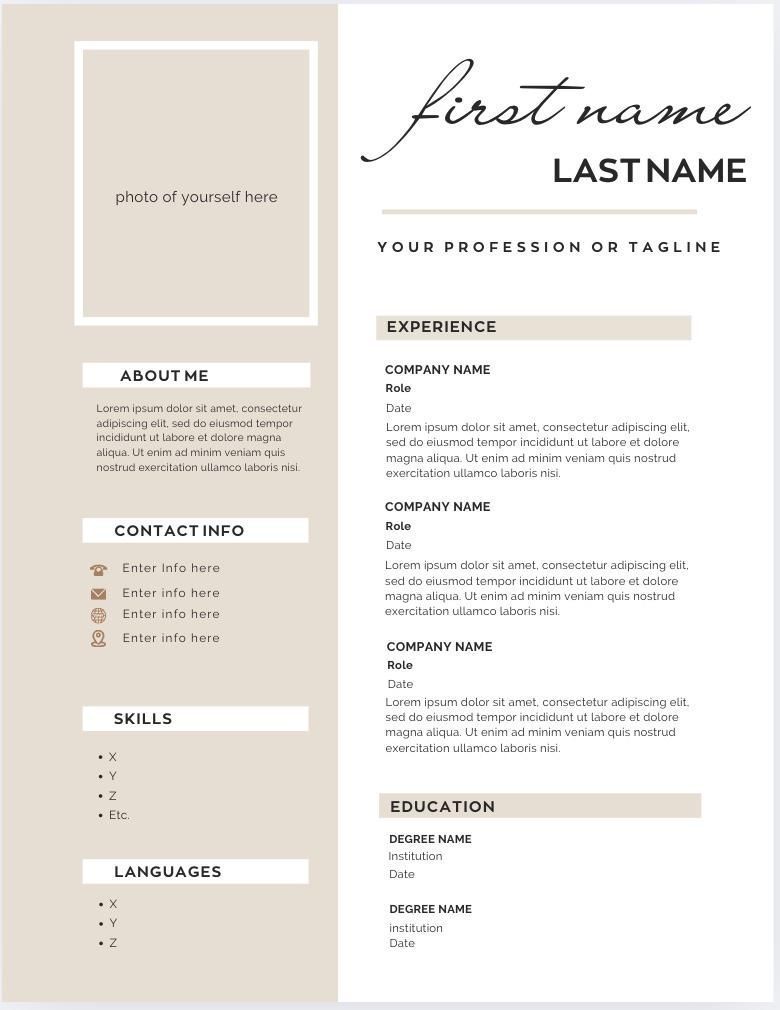 DESIGN
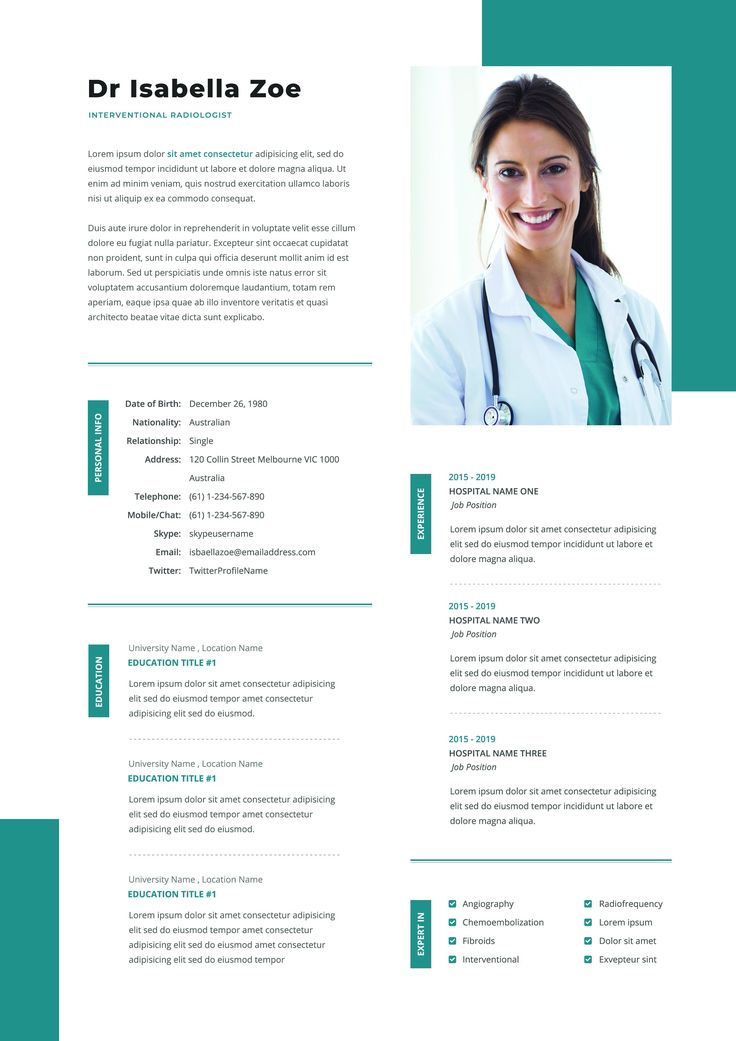 DOCTOR
 DOCTOR
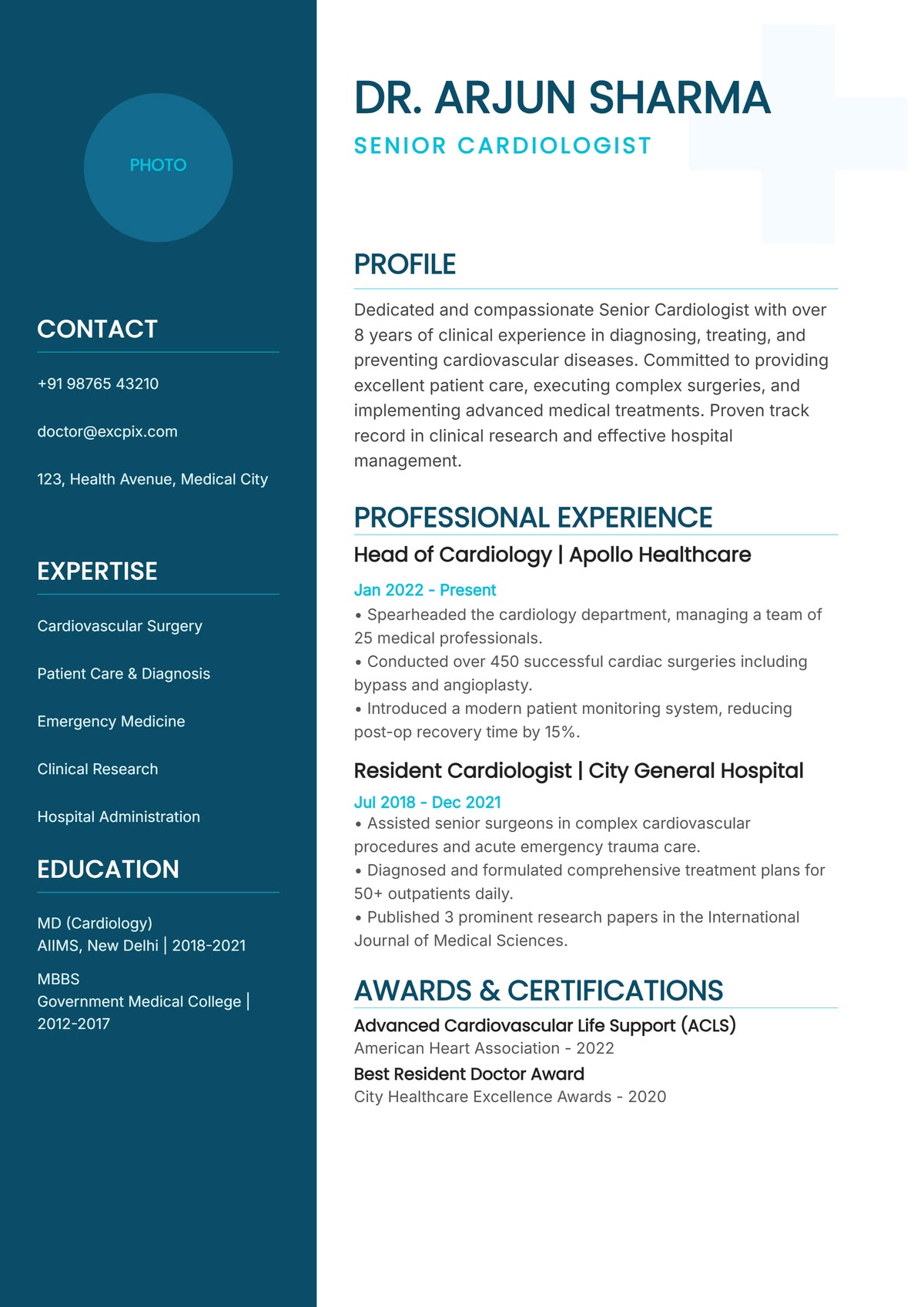 DOCTOR
 DOCTOR
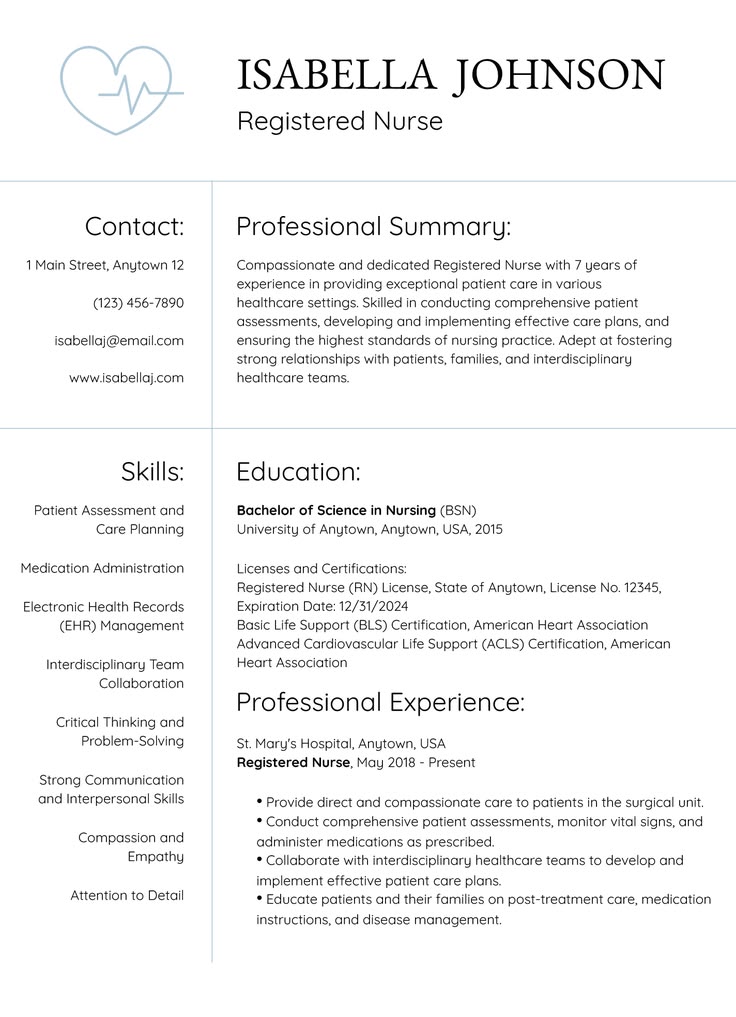 NURSE
NURSE
 MED
MED
 ACC
ACC
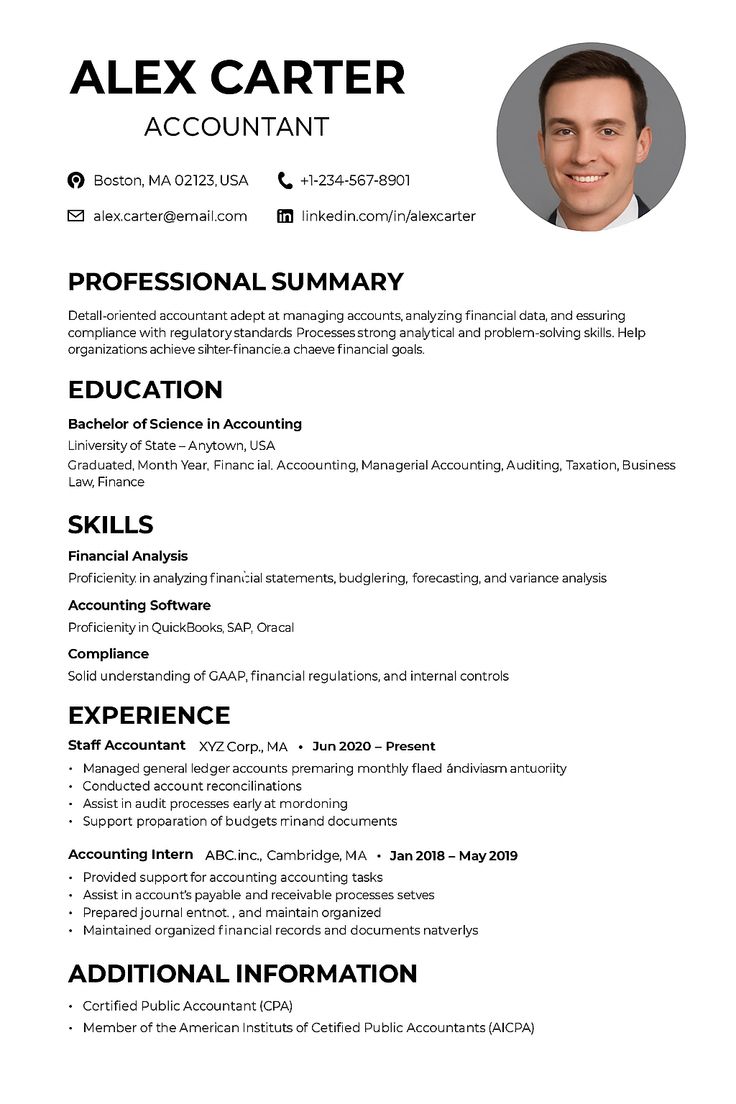 ACC
ACC
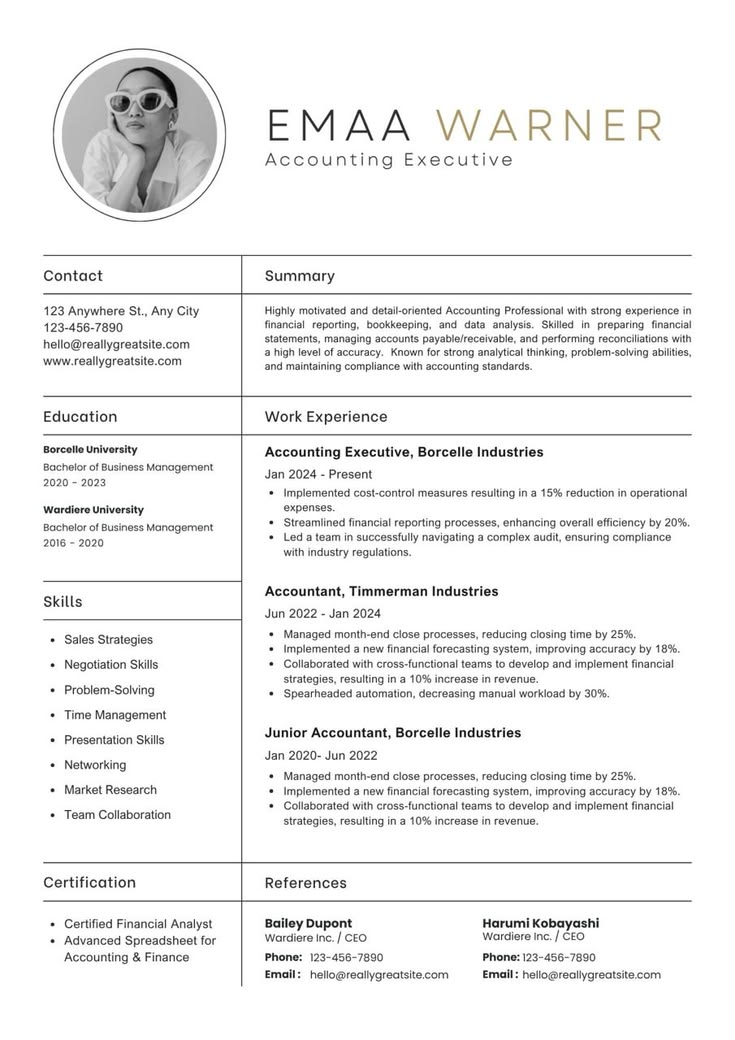 ACC
ACC
 ACC
ACC
 MKT
MKT
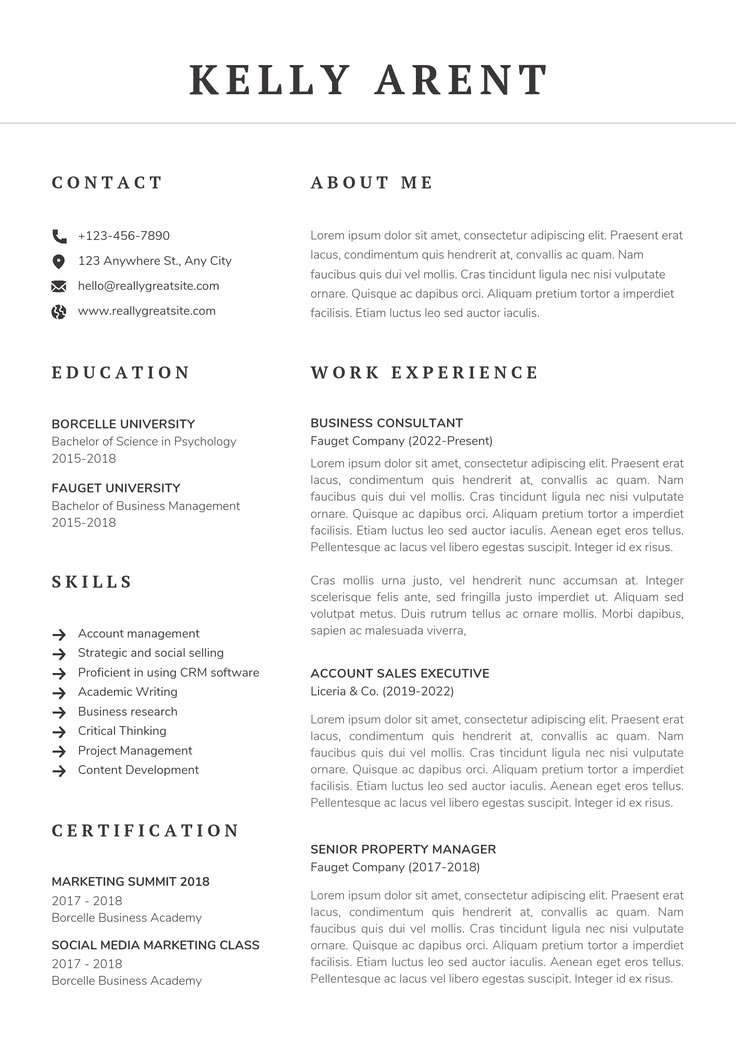 MKT
MKT
 MKT
MKT
 IT
IT
 IT
IT
 IT
IT
Choose your profession and get fields, prompts and templates designed around what recruiters in that field expect to see.
Technical skills, projects, stacks and measurable product impact.
DESPortfolio links, design tools, deliverables and creative outcomes.
ACCReporting, bookkeeping, compliance, software and finance achievements.
MEDClinical experience, procedures, licensing and patient-care expertise.
EDUSubjects, classroom methods, certifications and student outcomes.
MKTCampaigns, channels, analytics, growth and conversion results.
SUPService tools, KPIs, communication and issue-resolution experience.
HRRecruitment, employee relations, policies and HR operations.
Select the category closest to your role so the builder can show relevant fields and guidance.
Complete a structured form while your resume updates instantly in the live preview.
Pick a professional layout, review your details and export a polished PDF whenever you are ready.
Switch between clean layouts designed for readability, visual hierarchy and professional presentation. Your content stays safe while the design changes around it.
The builder keeps your information organised and your final resume polished across desktop, tablet and mobile.
See every change as you type, without switching between screens.
Capture the details that matter most for your profession.
Try different designs without re-entering your information.
Download a clean, application-ready document in a few clicks.
★★★★★“The profession-based fields helped me remember achievements I would have left out. My resume finally feels focused.”
★★★★★“I changed templates several times and all my content stayed in place. The final PDF looked clean and professional.”
★★★★★“The live preview made the whole process easy. I could see exactly how each section would look before downloading.”
Still deciding? These quick answers explain how the builder and theme work together.
Yes. The builder logic remains in the AI Resume Builder Core plugin. This homepage only presents the product and directs users to the existing builder page.
Yes. Your entered content remains available while you preview the templates supported by the plugin.
Yes. The homepage sections, navigation, cards and preview visuals are designed to adapt across common screen sizes.
The primary buttons use the existing Resume Builder page created by the theme at the /resume-builder/ path.
Choose your profession, add your experience and download a polished resume today.